For personal trainers and fitness coaches
Fitness Challenge App for Personal Trainers
Give personal-training clients a shared challenge, visible participation and encouragement between sessions with YuBeFit.
A focused way to give a small client community something useful to work on together.
Download YuBeFit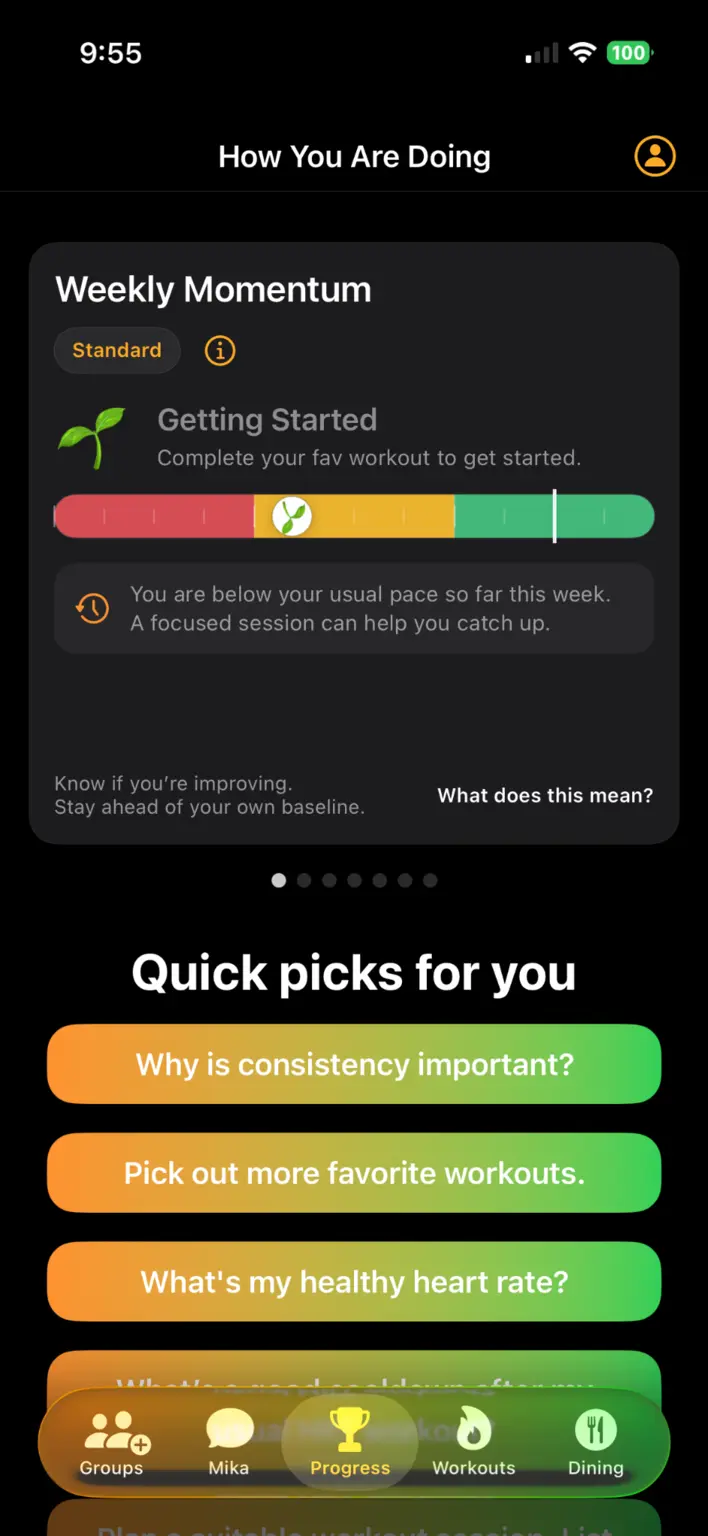
Keep the connection active between appointments
A training session has a clear time and place. The days between sessions are less visible. A YuBeFit challenge gives clients a common objective they can return to, with progress and group encouragement in the same space.
This is not a promise to automate coaching or replace direct contact. It is a simple shared layer for participation between the moments when trainer and client meet.
Reduce the need to rebuild every progress update
Instead of collecting separate activity messages just to understand whether the group is participating, the challenge shows progress in the shared YuBeFit experience. Trainers can use that visibility to decide when an update, reminder or celebration would help.
- Bring a defined set of clients into a private group.
- Set one understandable group challenge.
- Let supported device health services contribute activity data.
- Share updates and encouragement where the challenge lives.
Give clients a common reason to return
A shared challenge can connect clients who normally train at different times. Each person works at an appropriate level while contributing to the same group experience.
Recommended workouts and Mika’s general wellness guidance can help participants find a next step, while the trainer remains responsible for any individualised coaching or exercise advice.
A short setup walkthrough
Start the challenge in YuBeFit
- 01
Create a client group
Set up a private space for the people invited to the challenge.
- 02
Define one objective
Choose steps, active minutes or active calories and explain the timeframe.
- 03
Invite with a join code
Send the code and a short message explaining what participation involves.
- 04
Use progress as a prompt
Check shared participation and post a relevant reminder or recognition.
Frequently asked questions
Can I create a private group for my clients?
Yes. A trainer can create a private YuBeFit group and share its join code with the clients invited to participate.
Can clients take part between training sessions?
Yes. A shared challenge gives clients an activity objective they can work toward between scheduled sessions and a group space for updates and encouragement.
What participation can a trainer see?
YuBeFit makes group challenge progress and group activity visible in the shared experience. It is not presented as a clinical monitoring or individual coaching-record system.
Does YuBeFit replace my client messaging or coaching tools?
No. YuBeFit provides a focused home for group challenges, progress, activities and conversation. Trainers can decide how it fits alongside their existing coaching workflow.
Ready when your group is
Create your next challenge with YuBeFit.
Download the app, start a private group and invite the people joining you.